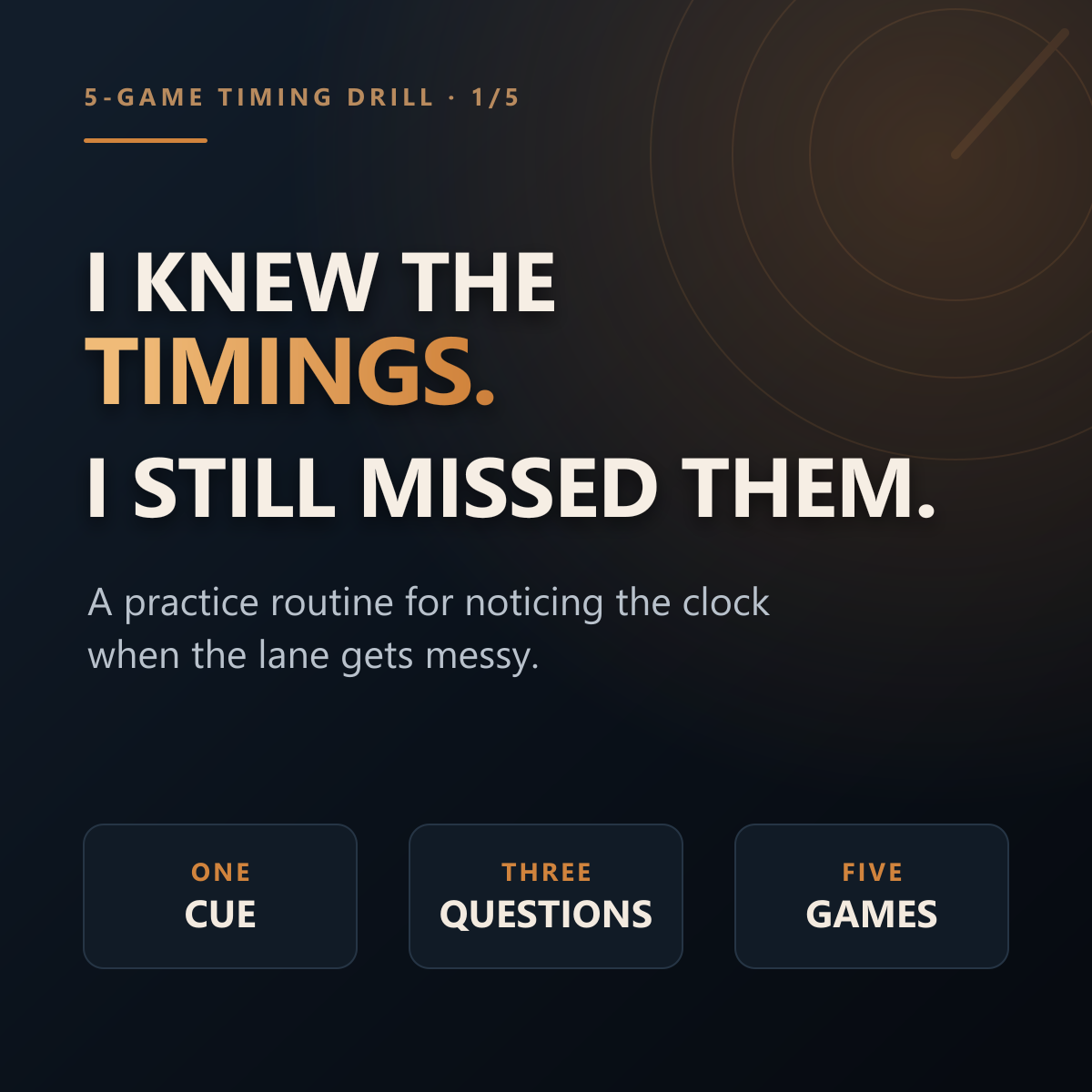
A 5-game drill for actually noticing Dota timings
Knowing a timing on paper is different from noticing it while the lane is busy. This routine reduces the load: practice one cue until it reliably starts a useful map check. No app is required.
This guide is published by the developer of DotaSense
DotaSense is currently available for Windows. Its core timer is free; Pro adds extra saved-profile and advanced draft workflows. The current installer is Authenticode-signed; confirm Windows shows the published DotaSense publisher before continuing. Optional match-aware features use Valve's local Game State Integration feed and selected screen-region capture. Separately configured, risk-acknowledged helpers can send hero-selection, allowlisted team-chat, or push-to-talk input; all are disabled by default. DotaSense does not read or modify protected game memory, inject code, or alter Dota 2 binaries. It is independent and is not affiliated with or endorsed by Valve.
Read the feature and safety details or review the current release status before installing.
See the real DotaSense workspace
This short walkthrough uses privacy-checked screenshots recorded from the v1.4.31 Windows app. The current release is newer; the walkthrough shows the timer, picker, enemy-spell, and ward-planning tabs, with staged synthetic match data where a match state is needed.
Staged screenshot walkthrough using synthetic match data. App UI only; no gameplay footage or personal match data. The walkthrough is silent.
Read the walkthrough transcript
- The Timer tab shows the match clock, timing controls, and active cue cards.
- The Picker tab shows role-aware recommendations and draft-workflow controls.
- The Spells tab uses synthetic enemy heroes to show its cooldown workspace.
- The Minimap tab uses staged data to show ward spots by side and match phase.
- The walkthrough returns to the Timer tab: the cue starts the check; the player makes the call.
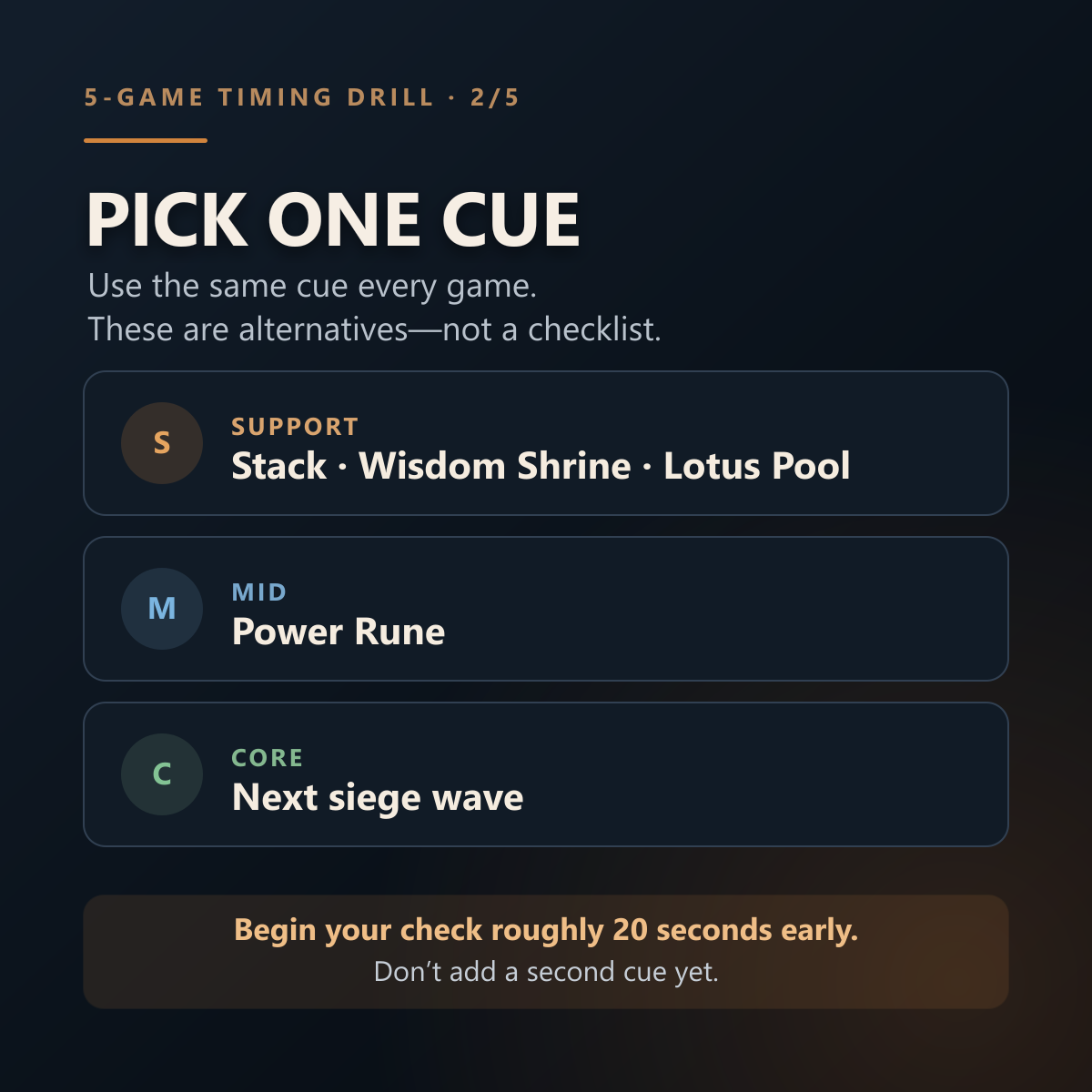
Pick one cue that matters for your role
These are alternatives, not a checklist. Use the same single cue for all five games.
Support
A neutral-camp stack, Wisdom Shrine, or Lotus Pool
Choose one—not all three.Mid
The next power-rune cycle
Use the cue to check lane and river control.Core
The next siege wave
Decide whether to pressure, defend, or farm elsewhere.Let the cue start a map check
Begin roughly 20 seconds early as a practice starting point. That is preparation time—not a universal instruction to rotate.
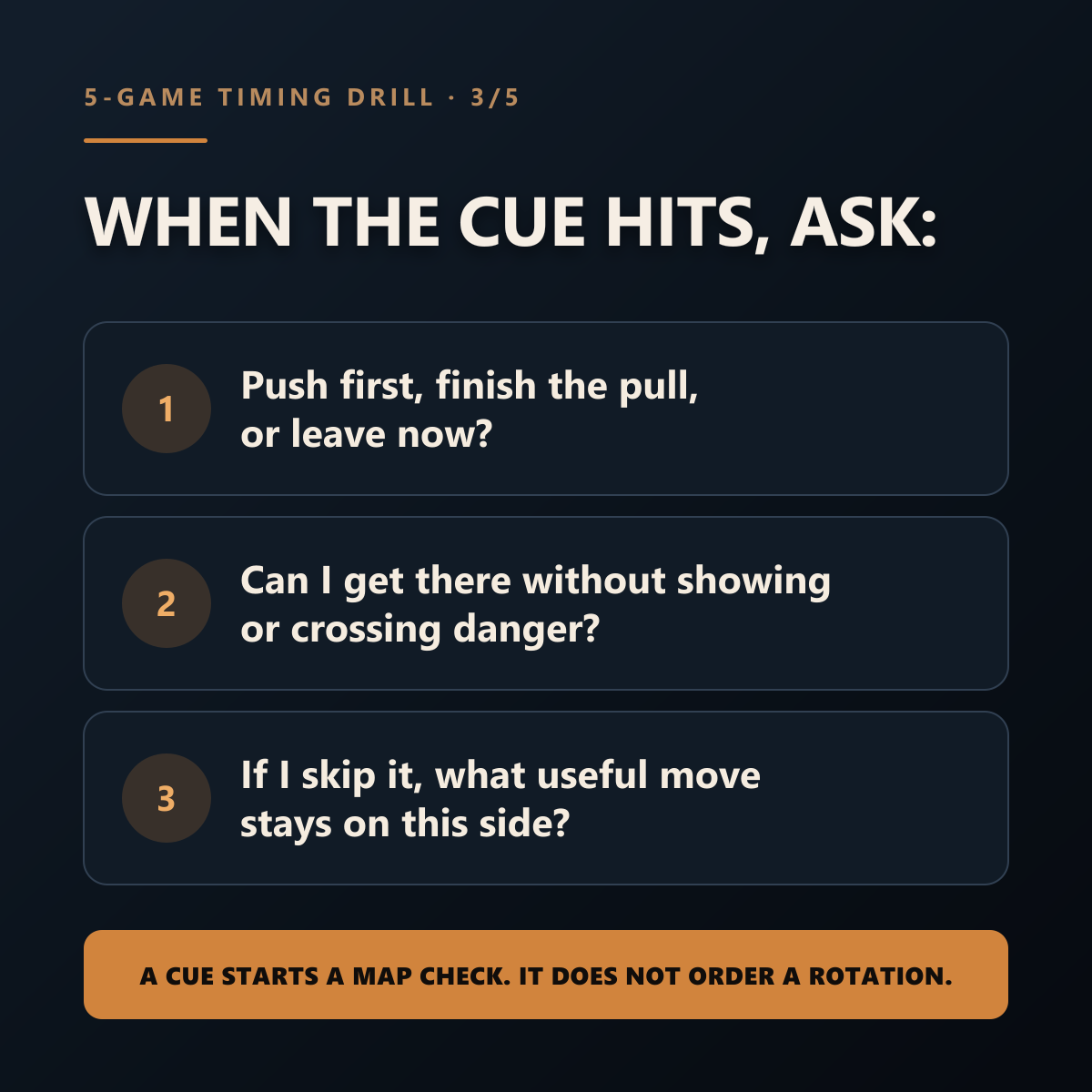
- 1
What has to happen first? Push the lane, finish the pull, or leave now?
- 2
Can I get there safely? Avoid showing unnecessarily or crossing a dangerous route.
- 3
If I skip it, what useful move remains here? Fix a lane, place vision, farm, or trade the other side.
A cue begins a decision. It does not decide for you.
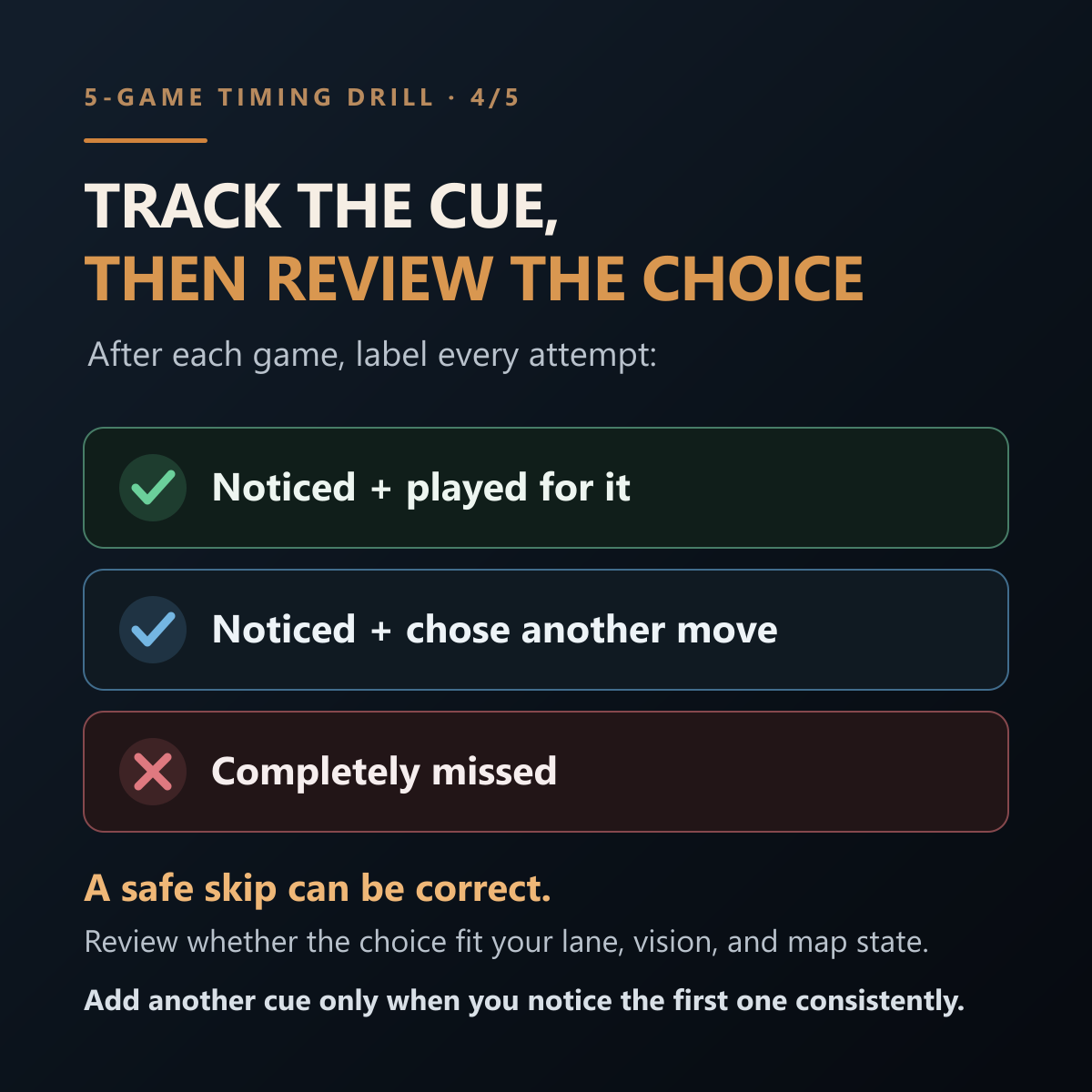
Track awareness, then review the choice
Do not score only successful stacks or secured runes. That rewards forcing bad plays. A safe, deliberate skip can be correct.
Add another cue only when you notice the first one consistently.
Reminders are cues, not answers
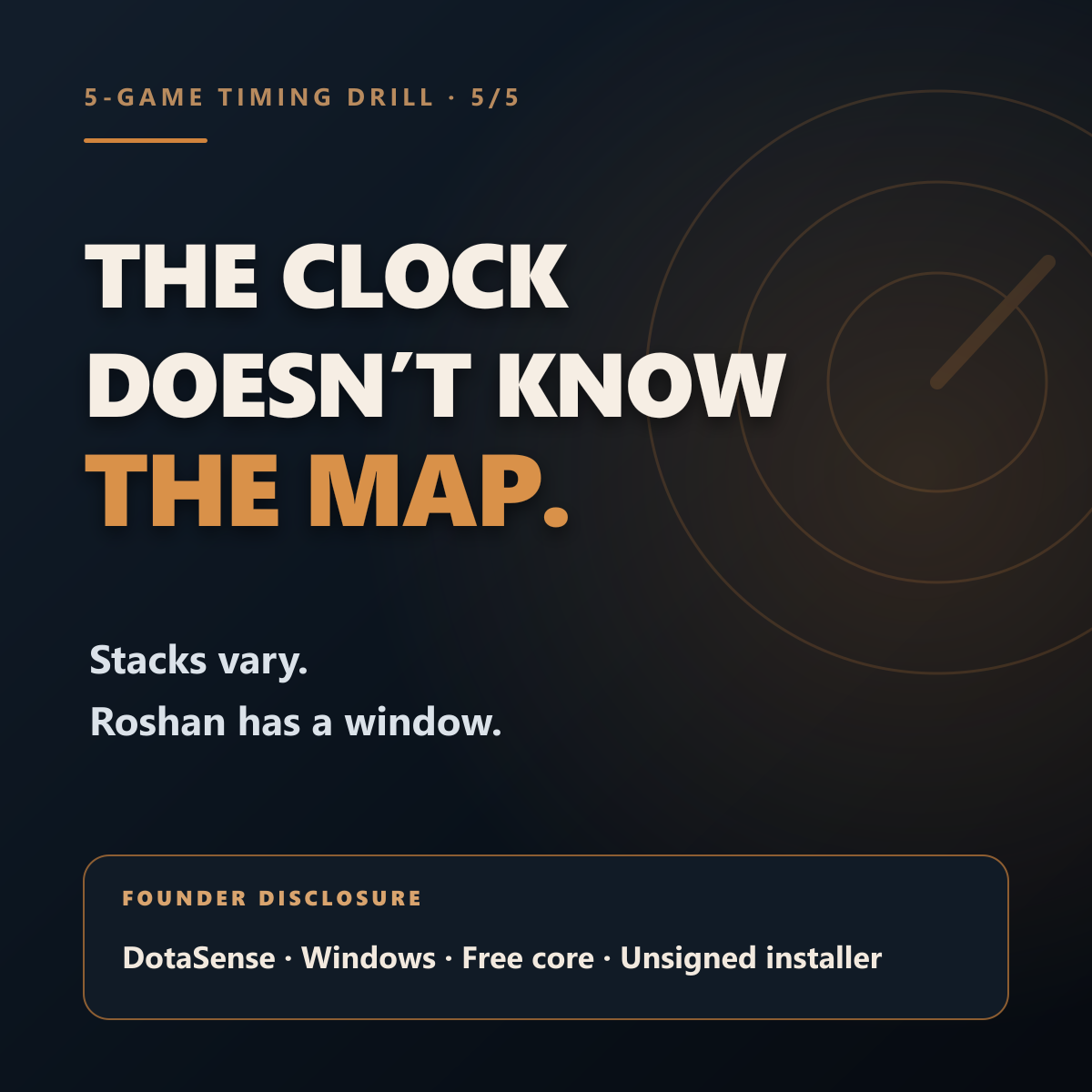
Stack timing varies
:53 is a useful reminder cue, not a universal action time. The correct moment changes with the camp, pull direction, hero range or projectile, move speed, and pathing.
Roshan is a window
Record the death time and plan around the full 8–11 minute respawn window. A reminder should help the team prepare; it should not pretend to know an exact return time.
The map can overrule the clock
A bad lane, missing enemies, weak vision, or an unavailable core can make preparation or a deliberate trade better than contesting the event.
The drill in five slides
Each image repeats the useful part of the routine without requiring the app.