Dota 2 Roshan timer: use the full respawn window
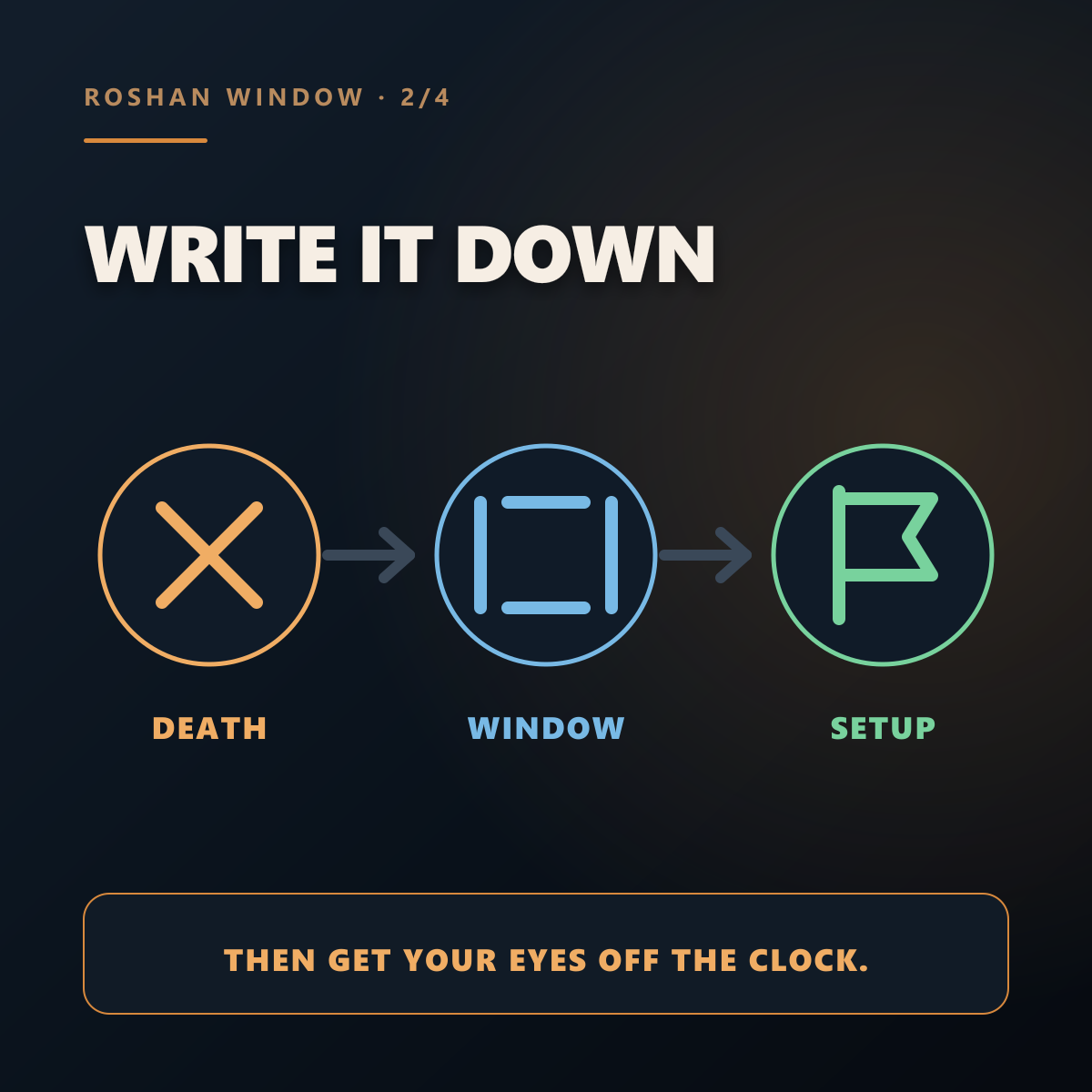
Record the death. Use the window to prepare. Let the map decide whether you contest, take, bait, or trade.
One death time, two useful marks
Dota's minimap status shows whether Roshan is alive, dead, or may be alive, plus the active pit. Use that display and actual vision instead of treating the earliest mark like a guaranteed spawn.
Run four checks before the window opens
- 01
Waves
Which lane exposes the move? Fix it before your team disappears.
- 02
Vision
Can you see the useful entrances, and can the enemy see your setup?
- 03
Team
Who can arrive, who must show, and which major resources are unavailable?
- 04
Decision
Take, contest, bait, or trade. Say the choice before someone walks into the pit.
“Roshan may be up at 31:20. Push top, ward the entrances, then decide.”
A five-game Roshan drill
When Roshan dies, record the death and both ends of the window.
Name the wave, vision, and teammate problem that must be solved first.
Score the setup—not only whether your team got Roshan.
A good cue can end with no Roshan attempt. A deliberate trade is still a decision.
The setup loop in four slides
Swipe sideways. Each card is also available as a full-size PNG.

Roshan timing FAQ
Does Roshan respawn exactly eight minutes after death?
No. Eight minutes starts the random respawn window; eleven minutes is the guaranteed end.
Which pit should I prepare around?
Use the active-pit icon and current map state. Pit preference has changed across recent patches, so a memorized single-pit script is brittle.
Can DotaSense know the exact random respawn?
No. The reminder tracks the known window. Confirm Roshan through Dota's status display, vision, sound, and team information.
Built from Valve's patch notes
Valve documented the 8–11 minute window and minimap status in 7.38. The active-pit preference changed again in 7.41. This guide avoids a fixed drop table because those details are patch-dependent.